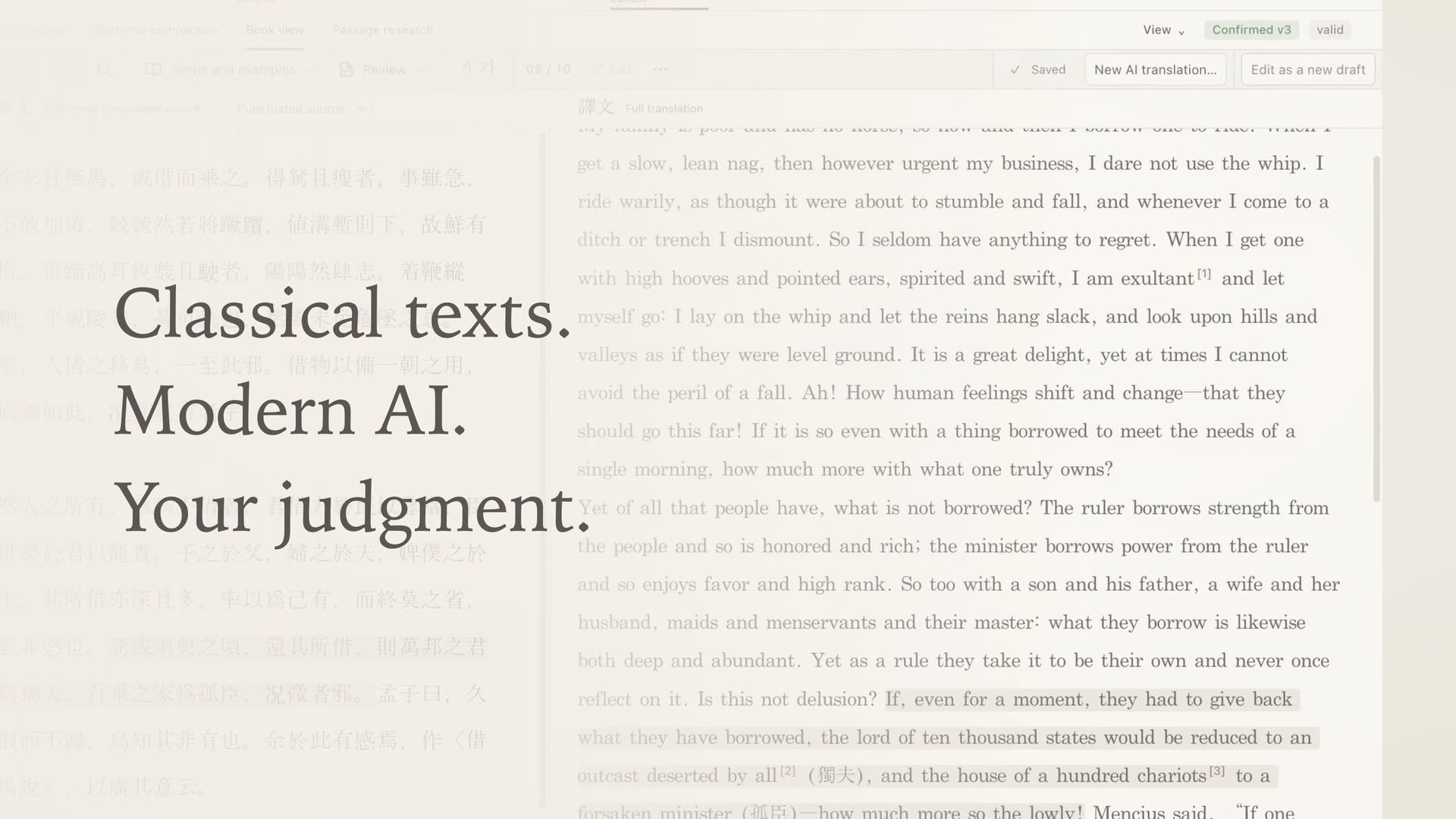
Hold the source,
Organize materials into documents and folders,
and keep the
source text intact.
From source text to translation, context and terms.
Your own
workspace for translating and studying Classical Chinese.
Organize materials into documents and folders,
and keep the
source text intact.
Build up background knowledge and terms,
and refine the
translation with AI.
Compare source and translation,
and leave your judgments in
comments and reviews.
MUNHAE COMMUNITY
From a passage you can’t untangle to your own way of translating.
Share
questions and interpretations, and read the next sentence together.
The community board is currently in Korean.
Projects that stay on your computer. Research that lasts.
The current release (0.1.3) has a Korean interface, and AI translation produces Korean. An English interface and English translation output are in development.
Yes. Munhae is currently in beta. Features and screens may still change, and some installation environments have not been verified yet. Please back up important documents. You can report problems or suggestions under Questions in the community.
You can create local projects and manage source texts and translations without signing up. Signing in to a Munhae account is optional.
Munhae connects to the Codex, Claude, or Antigravity CLI that you have installed and authenticated on your computer. Save the source text, request a full-text translation, then generate the links between translation and source separately and review them. You need an account with the AI service you use, and its terms and costs may apply. AI translations and links need the researcher’s review.
Source texts, translations, context and terms are stored in a .munhae project on your computer. When you run an AI feature, the material included in the request, such as the selected source and its context, is sent to the connected AI service. You can check what will be sent before each request. Project backups and review-copy export are also supported.